
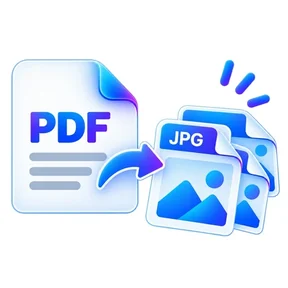
PDF to JPG graphic Fast, focused workflow
Convert tool

PDF to JPG

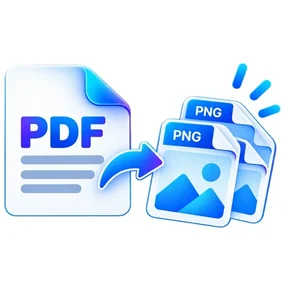
Render PDF pages as high-quality JPG images.

Processes locally in your browser No account required

Drop your file here

or choose a file from your device

PDF · up to 1 GB per file · processed in this browser tab

How to pdf to jpg

  1. Choose a PDF file.
  2. Select optional page ranges and output resolution.
  3. Convert pages and download a JPG or ZIP.

What this tool does

Export pages for presentations, websites, previews or image-based workflows while keeping the PDF on your device.
Frequently asked questions

Do I get one image per page?

Yes. A one-page PDF downloads as one JPG; multiple pages are bundled into a ZIP.

Can I choose specific pages?

Yes. Leave the pages field blank for all pages or enter page numbers/ranges.

Can I control image resolution?

Yes. Increase the render scale for larger images, subject to browser memory limits.

Quick answer

PDF to JPG: fast browser-based PDF work

PDF to JPG lets you render PDF pages as high-quality JPG images. Open the tool in a modern browser, choose your file, apply the available settings and download the result. No account is required.

Works onlineNo desktop installation required No accountOpen the tool and start immediately Focused controlsSettings are specific to this PDF task
Common uses

When to use PDF to JPG

  • Move content between PDF and common office formats
  • Prepare documents for editing or presentation
  • Create shareable PDF versions from source files

Processing note: Supported core operations are designed to process the selected file in the active browser session.

Helpful reading

Understand the workflow before you process an important file.

All PDF guides