
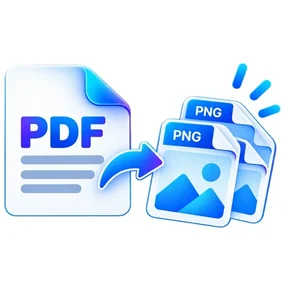
PDF to PNG graphic Fast, focused workflow
Convert tool

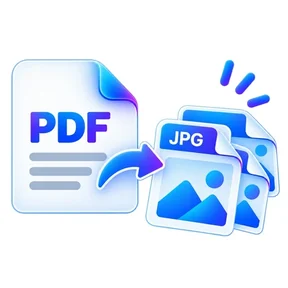
PDF to PNG

Export PDF pages as crisp PNG images.

Processes locally in your browser No account required

Drop your file here

or choose a file from your device

PDF · up to 1 GB per file · processed in this browser tab

How to pdf to png

  1. Choose one PDF.
  2. Choose optional page ranges and output resolution.
  3. Export the pages and download PNG images.

What this tool does

PNG is useful when you need lossless page images for design, annotation or high-contrast document content.
Frequently asked questions

Is PNG lossless?

PNG uses lossless image compression, although the PDF page must still be rendered into pixels.

Will transparent PDF backgrounds stay transparent?

The current exporter renders pages on a white background for predictable results.

Are multiple PNG files zipped?

Yes. Multi-page results are bundled into a ZIP.

Quick answer

PDF to PNG: fast browser-based PDF work

PDF to PNG lets you export PDF pages as crisp PNG images. Open the tool in a modern browser, choose your file, apply the available settings and download the result. No account is required.

Works onlineNo desktop installation required No accountOpen the tool and start immediately Focused controlsSettings are specific to this PDF task
Common uses

When to use PDF to PNG

  • Move content between PDF and common office formats
  • Prepare documents for editing or presentation
  • Create shareable PDF versions from source files

Processing note: Supported core operations are designed to process the selected file in the active browser session.

Helpful reading

Understand the workflow before you process an important file.

All PDF guides